
Food Delivery Guides
Maybe you have just moved to Surat. Maybe you have always called the restaurant and never tried an app. Either way, ordering food online is easier than it looks, and this guide walks you through the whole thing on Winngs, from downloading the app to eating.
Allow a few minutes for your first order. After that, it is quick.
What you need before you start
- A smartphone, Android or iPhone, with an internet connection.
- Your mobile number.
- A delivery address in one of the areas we cover. The full list is on our Delivery Areas page.
Step 1: Download the Winngs app
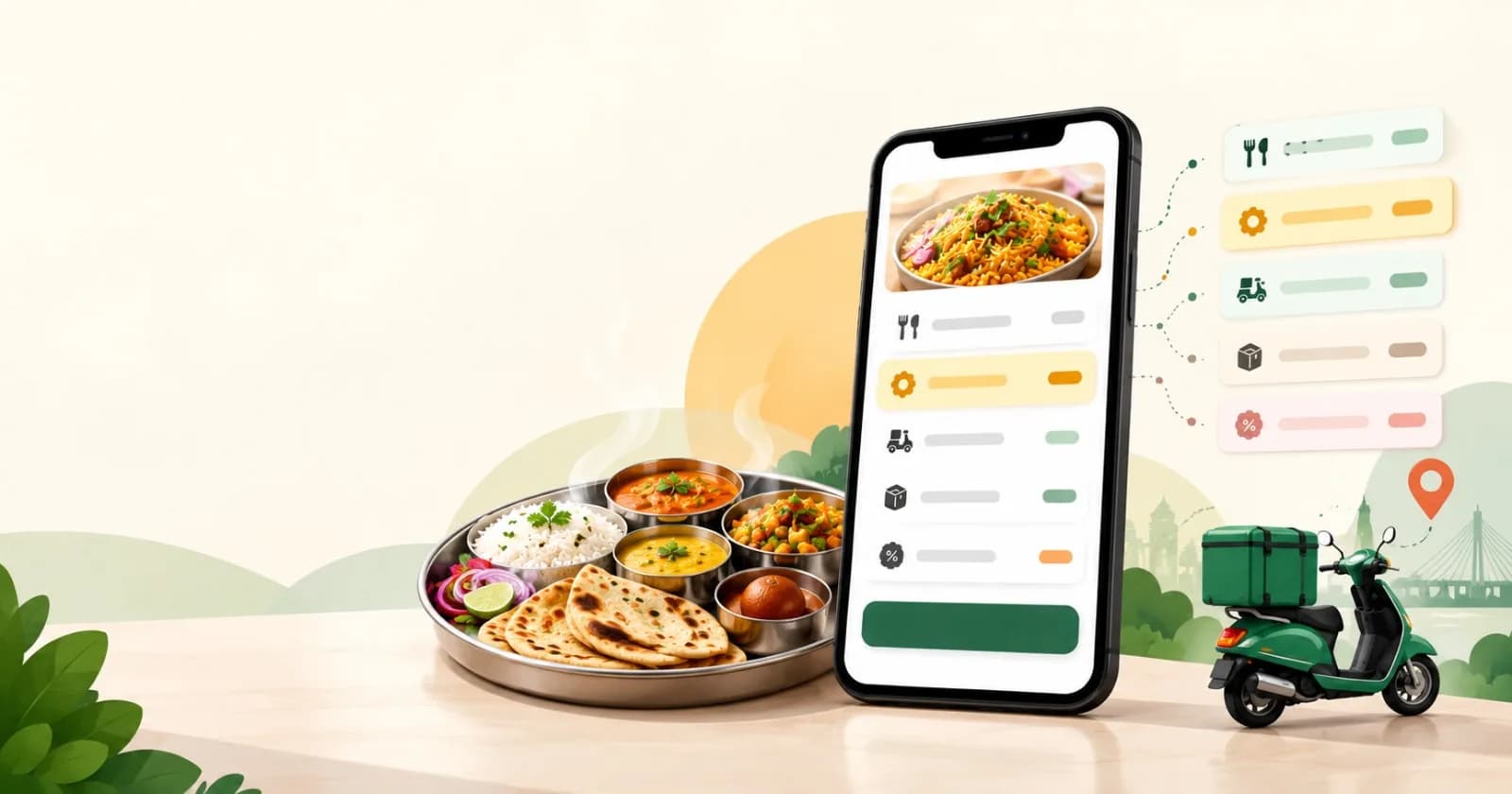
Open Google Play on Android or the App Store on iPhone and search for Winngs. You can also go to our App Download page, which sends you to the right store for your phone. Install the app and open it.
You can look at restaurants and menus on winngs.co from a laptop or phone, but orders are placed in the app. If you see “Order on the app” on a restaurant page, that is where it leads.
Step 2: Sign in
Enter your mobile number, type the OTP you receive, and you are in.
Step 3: Set your delivery location
Do this before you start browsing. The restaurants you see, their delivery times and your delivery charge all depend on your address, so the app needs it first. Winngs delivers across Surat, including Vesu, Piplod, Athwa and Adajan. If your area is not on the list yet, you will see that in the app.
Add the flat or house number and a landmark. It helps the delivery partner find you faster.
Step 4: Choose what to eat
There is more than one way to find your food, so use whichever suits your mood:
- By restaurant. Scroll through the restaurants near you and open any menu.
- By dish or cuisine. Looking for pizza, biryani, thali or dosa? Search for it and see who makes it near you. Dishes start from ₹49.
- By diet. If you eat Jain or Swaminarayan food, switch on the filter so you only see what suits you. Read the dish description too, and message us if you are unsure about something.
- By watching. Live Prep Reels show food being made in the restaurant kitchen, which is a good way to decide.
Step 5: Add your food to the cart
Tap a dish, choose the size or extras if it asks, and add it to your cart. Order everything from one restaurant in one go. Each restaurant has an estimated delivery time on its page, so you know what to expect before you commit.
Step 6: Read the bill before you pay
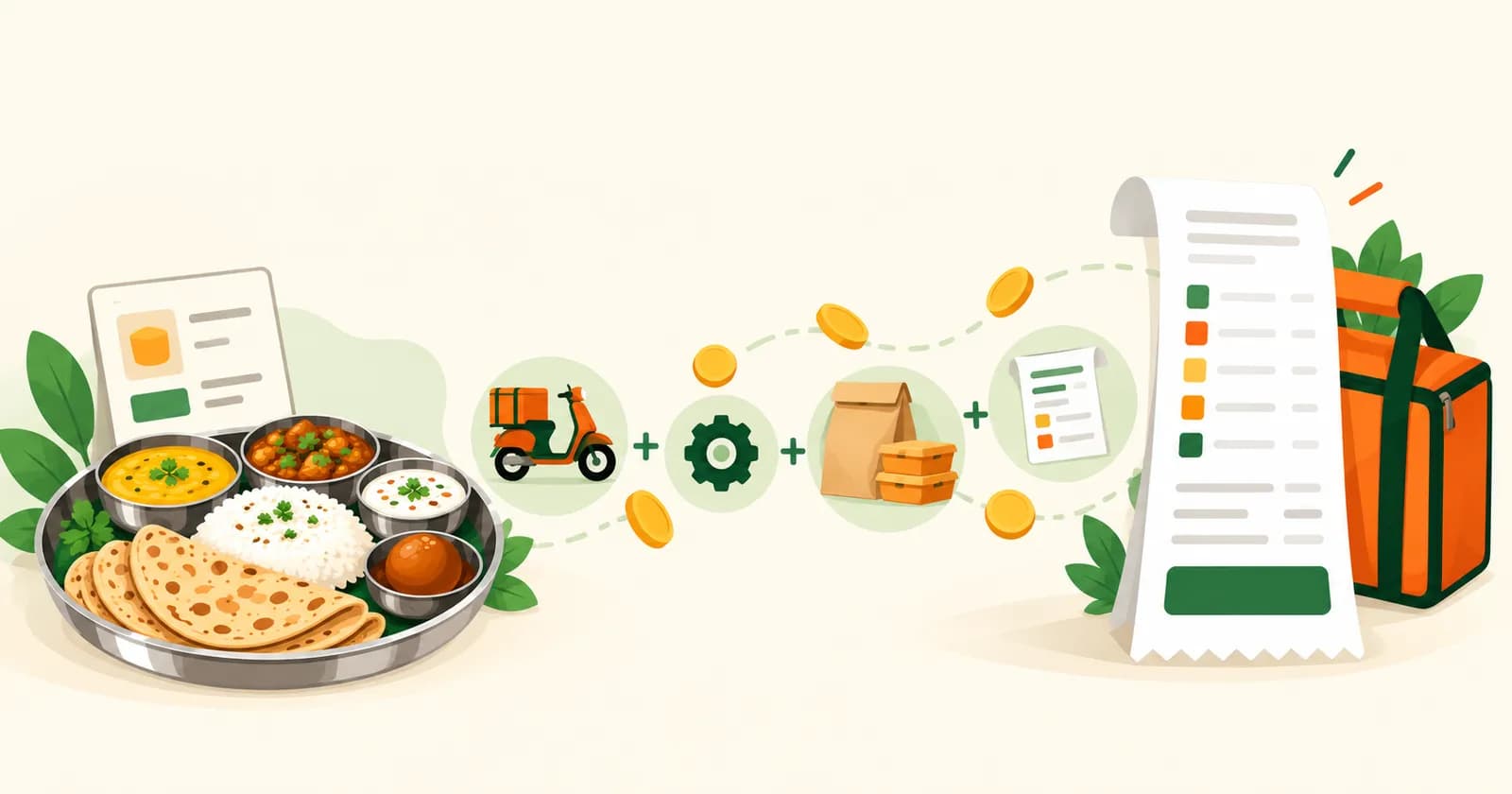
Open the bill details in your cart. This is the part most people skip, and it is worth ten seconds. Here is what you should see:
| Line on the bill | What it means on Winngs |
|---|---|
| Food | The restaurant’s own menu prices. Winngs does not add a markup. |
| Delivery | Free when the restaurant is within 5 km of your address. |
| Platform fee | ₹6 per order at the time of writing. |
| Taxes | Added on top, such as GST. |
Every charge is shown on the bill before you pay. If you want to know what each line is for, read our guide: What Is a Platform Fee on Food Delivery Apps?
Step 7: Pay
Pick how you want to pay: online through Razorpay, cash on delivery (COD) or your Winngs wallet. Check that the delivery address and phone number are right, then confirm the order.
Step 8: Track your order
Once the restaurant accepts your order, you can follow it live in the app, from the kitchen to your door. Most orders arrive in about 25 to 35 minutes, depending on the restaurant and where you are. Busy hours or heavy rain can add a few minutes.
When the delivery partner arrives, check that everything you ordered is in the bag before they leave.
If something goes wrong
A missing item, a wrong dish or a late order can happen on any app. Message us on WhatsApp at +91 63548 30347, or email support@winngs.co, and we will look into it.
Three habits for a smoother first order
- Save your address in the app, so the next order takes a few taps.
- Pick a restaurant close to you. It is usually quicker and more likely to fall inside the free delivery range.
- Keep your phone nearby once the order is on its way. The delivery partner may call to find your gate or building.
Ready to order?
Download the Winngs app for Android or iPhone, set your location and see what is cooking near you. Winngs is made only for Surat, so the restaurants you see are the ones that deliver to your door.
Frequently asked questions
Can I order food online in Surat from the Winngs website?
You can see restaurants and menus on winngs.co, but orders are placed in the Winngs app. Download it from Google Play or the App Store.
Do I need an account to order?
Yes. You sign in with your mobile number and an OTP.
How long does an online food order take in Surat?
Most Winngs orders arrive in about 25 to 35 minutes. The estimate depends on the restaurant, how busy it is and how far you are. You can track the order live.
How much does it cost to order on Winngs?
You pay the restaurant’s menu prices, taxes and a platform fee of ₹6 per order at the time of writing. Delivery is free when the restaurant is within 5 km of your address.
Can I order Jain or Swaminarayan food online?
Yes. Switch on the Jain or Swaminarayan filter in the app to see matching restaurants and dishes. You can also visit our Jain food delivery page.
Order food in Surat with Winngs
Honest Pricing · Free delivery up to 5 km · Jain & Swaminarayan filters · 240+ restaurants
Get it onGoogle PlayDownload on theApp Store