Food Delivery Guides
You check the menu, pick a thali that costs ₹180, and by the time you reach the payment screen the total says ₹260. Nothing looks wrong, yet it feels wrong. Almost everyone who orders online has had this moment.
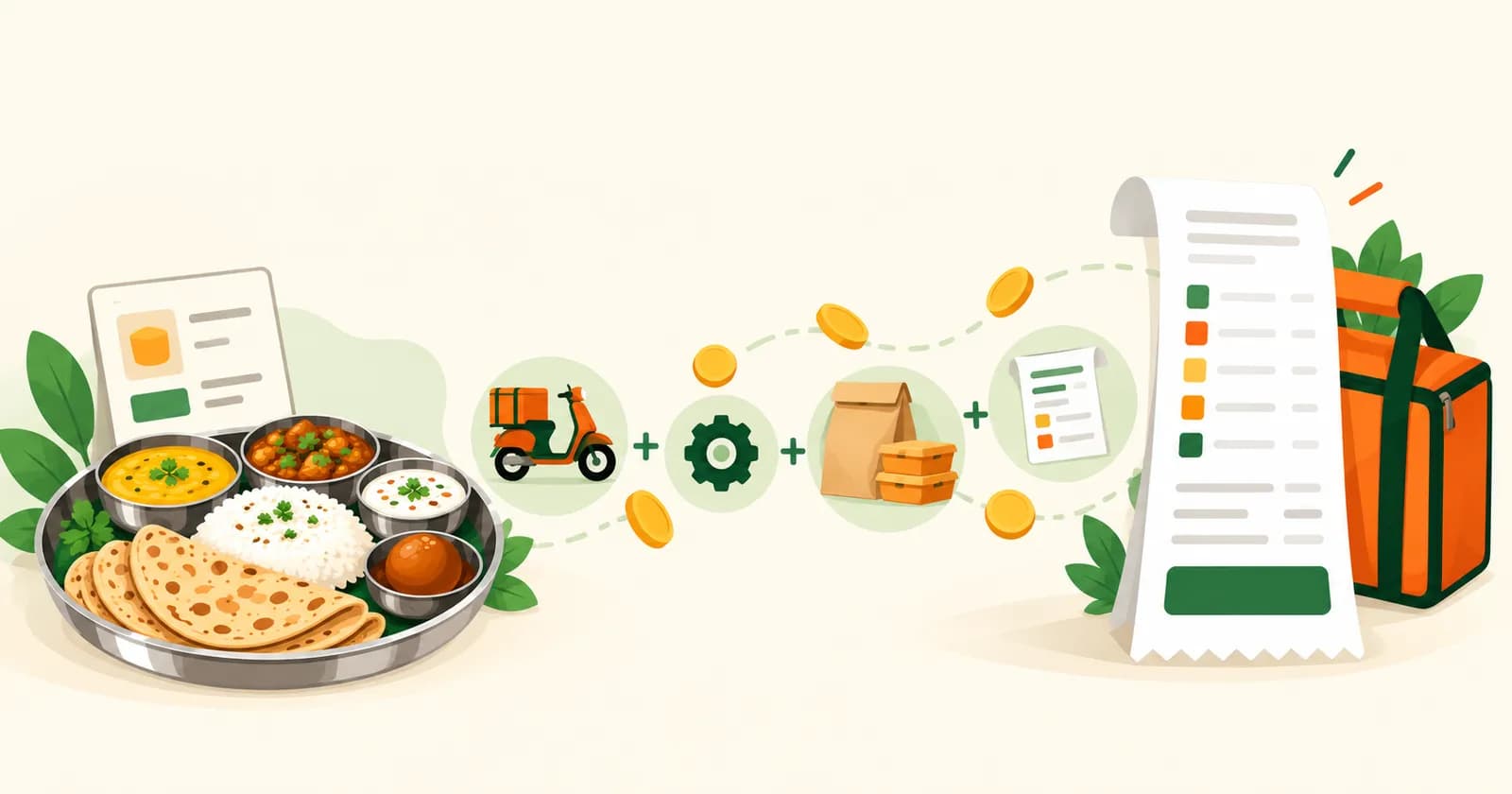
The gap is not one big charge. It is usually four or five small ones, plus sometimes a higher price on the menu itself. Here is where the extra money comes from, and how to spot it before you pay.
1. The delivery charge
Someone has to carry your food to your door, and that person is paid. Many apps pass this cost on to you as a delivery fee, and it often changes with distance. The farther the restaurant, the higher the fee.
2. The platform fee
This is a small fixed amount the app adds to every order, to cover running the app itself. It is not part of the food price and it is not tax. Each app sets its own amount, and some change it from time to time. We explain it in detail in our post on what a platform fee is.
3. Taxes
Food orders carry GST, and the amount depends on the item and the restaurant. Taxes appear on the bill as a separate line, so they feel like “extra” even though they are not the app’s own charge.
4. Packaging charges
A dine-in meal comes on a plate. A delivered meal comes in boxes, a bag and sometimes a sealed container for gravy. Many restaurants charge for this packing. It is usually small, but it adds up on a family order.
5. Extra fees at busy times
Some apps add more when it rains, on festival days or when too many people order at once. These are the charges that surprise people most, because they are not there on a normal day.
6. The menu price itself
This one is easy to miss. A restaurant decides what price to show on each app. Some keep it the same as in the restaurant. Others show a higher price on delivery apps, because the app takes a share of each order and the restaurant wants to cover that. If a dish looks pricier in the app than on the restaurant’s own board, this is likely the reason.
You can check it yourself. Pick a dish you know the price of and compare.
A quick example of how a bill adds up
Every app’s numbers are different, so this is only to show the shape of a bill. These are example numbers, not a real order.
| Line on the bill | Example amount |
|---|---|
| Food (2 items) | ₹300 |
| Packaging | ₹20 |
| Delivery fee | ₹30 |
| Platform fee | ₹10 |
| Taxes | ₹18 |
| Total you pay | ₹378 |
Here the food is ₹300 and the bill is ₹378. Nobody did anything unusual. The extra ₹78 is just the lines you do not see on the menu.
How to read your bill before you pay
- Open the bill details in the cart. Do not stop at the total.
- Look at every line: delivery, platform fee, packaging, taxes and any extra fee.
- Compare the dish price with the restaurant’s own price, if you know it.
- Check again after you apply a coupon. The total should go down, not sideways.
- Pay only when every line makes sense to you.
How Winngs handles it
We cannot speak for other apps, only for ours, so here is what we do.
- Delivery is free for orders within 5 km of the restaurant.
- The platform fee is ₹6 per order at the time of writing, shown on the bill like every other line.
- We do not add a markup on menu prices. The restaurant sets its price.
- No extra fee in rain or on festival days.
If a charge ever looks wrong, write to us at support@winngs.co and we will look at your bill.
Ready to order?
Download the Winngs app, set your address, and see the full bill before you pay. New to food apps? Our step-by-step guide shows how to order food online in Surat.
Frequently asked questions
Why is my food delivery bill higher than the menu price?
The menu shows only the food. The bill adds delivery, a platform fee, packaging and taxes, and some apps add more at busy times.
Is food more expensive on delivery apps than in the restaurant?
It can be. Some restaurants show higher prices on apps. The easiest way to know is to compare one dish you already know the price of.
What is a platform fee?
A small fixed amount an app adds to each order. On Winngs it is ₹6 per order at the time of writing. Our platform fee post explains it in full.
Does Winngs add extra to menu prices?
No. The restaurant sets its menu price and we do not add a markup.
Is delivery really free on Winngs?
Yes. Delivery is free for orders within 5 km of the restaurant. The bill shows the delivery charge before you pay.
How do I avoid surprise charges?
Open the bill details before you pay and read each line. Choose restaurants close to you, since distance often drives the delivery fee.
Order food in Surat with Winngs
Honest Pricing · Free delivery up to 5 km · Jain & Swaminarayan filters · 240+ restaurants
Get it onGoogle PlayDownload on theApp Store